
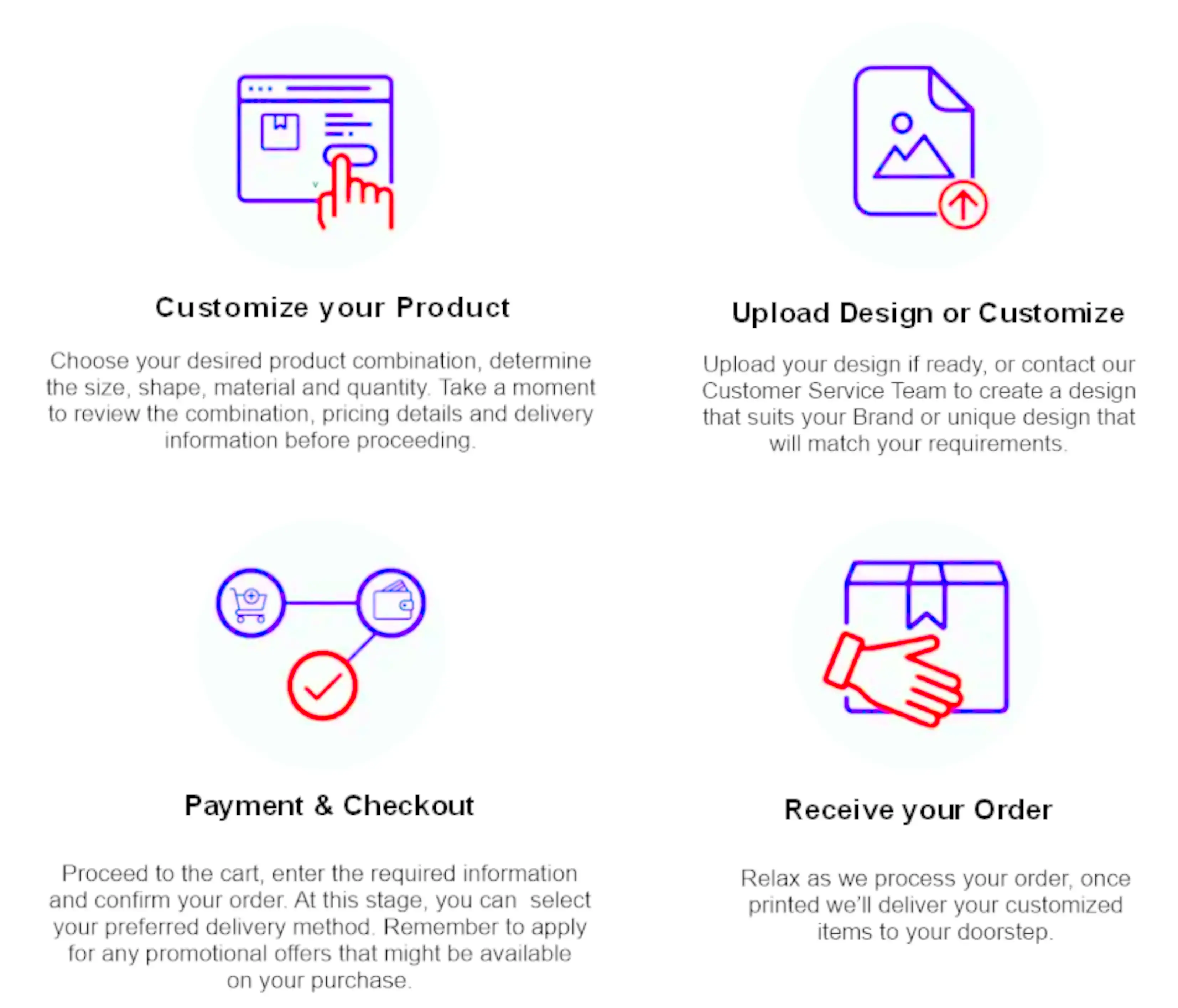
Ordering Process
Help Required
You may contact us by email sales@homelandservices.in or alternately contact our Sales Team on 9657396880.
Print More Save More
For higher quantities valued over Rs25,000 you may request discounted quote from our Sales Team. Send your request via the Discount Inquiry Form
Streamline your invoicing book!
Our black and white Invoice books are perfect for contractors, plumbers, electricians, retailers, and service providers. Create clear, professional invoices with duplicate sheets for easy recordkeeping (add extra copies if needed!). High-quality paper ensures a smooth writing experience and crisp duplicates. Focus on your business, not paperwork. Order your black and white Invoice books today!
A4 Invoice book topically have 50 sets of invoices per book, with the original sheet often being white and duplicate sheet Yellow, Green, Pink or Blue.
They are numbered with serial No. including duplicated copies. First sheet is perforated. Mention Serial No. in the Text area, when you are actioning Personalise and Buy area or alternately you can mention it in Other Instruction area during checkout.
We offer professional books to meet the specific needs of your business. Whether you require duplicate, or triplicate sheets, we ensure that every book is custom-designed for functionality and brand consistency.
Our high-quality printing guarantees clear and durable invoices, providing an efficient record-keeping solution for your business.
Frequently Asked Questions
How do I customize my receipt book?
You can get personalized invoice book by having your invoice designed as per your requirement. Add details like your company name, logo or message you want to display. You than upload your complete design, but make sure the resolution is high. Ensure the font size is big enough to be visible, and the colours are in contrast
How many sizes are available?
There are different sizes available, but most common size are A5 and A4 for Invoice book.
Can I have fully coloured receipt book?
Of course. Your design will be printed onto white paper, but don’t let that limit your design – or your creativity! Our full-colour printing lets you add any colours you’d like to your invoice book. The colours will be printed on the front of each piece of paper, while the back will remain white.
What is the number of sheets included in the invoice books?
We provide a total of 50 sheets x 2 in a invoice books.
Can I get the invoice book printed with Seral number?
They are numbered with serial No. including duplicated copies. First sheet is perforated.
Mention Serial No. in the Text area, when you are actioning Personalise and Buy area or alternately you can mention it in Other Instruction area during checkout
How long will my order take to be received?
On an average it can take 2-7 working days depending on quantity.
What is the minimum & maximum order?
You can order a minimum of 1 unit or as much as 1000 units customized products in a single order. There is no celling on maximum purchase. For bulk orders processing time might increase due to extra work load, but such information will be provided to you before you finally place your order.
For orders of higher value more than Rs25,000.00 you may request quotation for discount from us and our Sales Team will reach out to you regarding your requirement. Send your request via Discount Inquire Form
Design Guidelines
1. Extend your design elements (like background colors or images) beyond the final trim edge. The standard bleed area is usually 3mm (0.125 inches) to 5mm (0.25 inches) on all sides.
2. Include crop or trim marks in the file to indicate where the paper should be trimmed after printing.
3. Keep important text and design elements at least 5mm (0.25 inches) inside the trim edge to prevent them from being cut off during trimming.
4. Use CMYK color mode for printing, as opposed to RGB which is used for digital screens.
5. Images should be high resolution (usually 300 DPI) to ensure crisp printing quality. Avoid using low-resolution images, which may appear pixelated when printed.
6. If your file is in Word Document, save it in PDF format before sending it for document printing.
